
SQL Server 2014 Kurulumu ;
Sql kurulumundan önce kurulu olması gerekenler ise;
.Net Framework 3.5 SP1 ile birlikte ayrıca 4.0 veya 4.5 sürümlerinden birini yükleyin veya yüklü olduğunu doğrulayın.
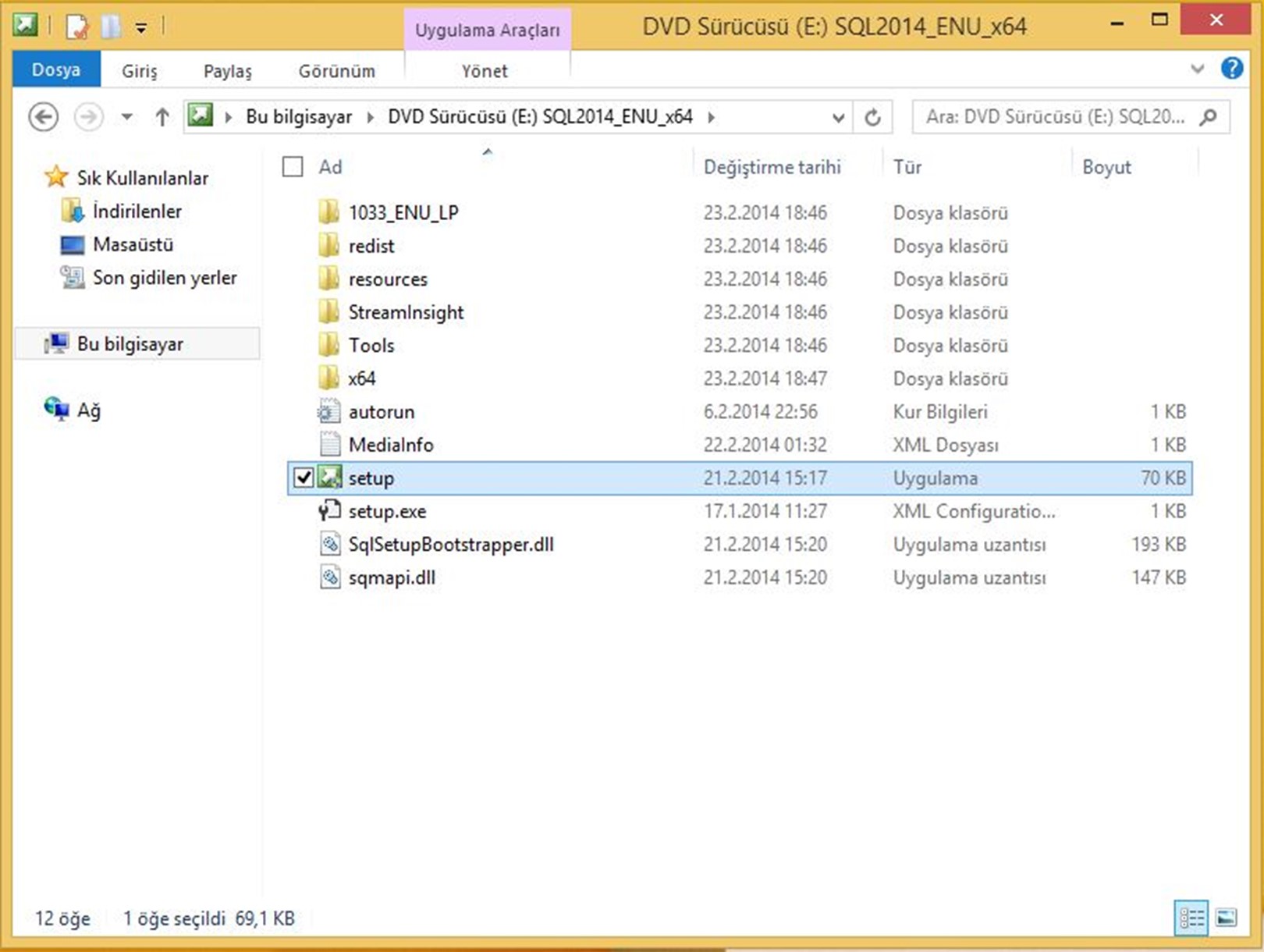 Setup’u çalıştırıyoruz.
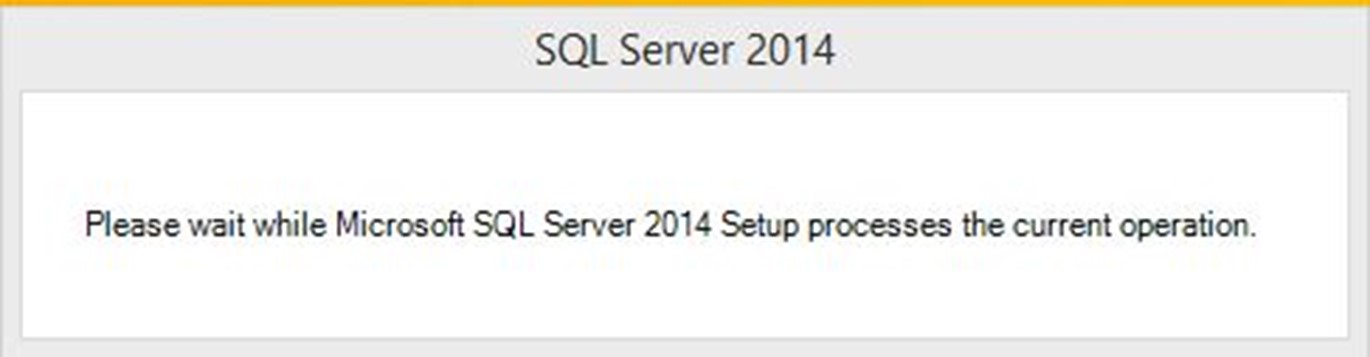
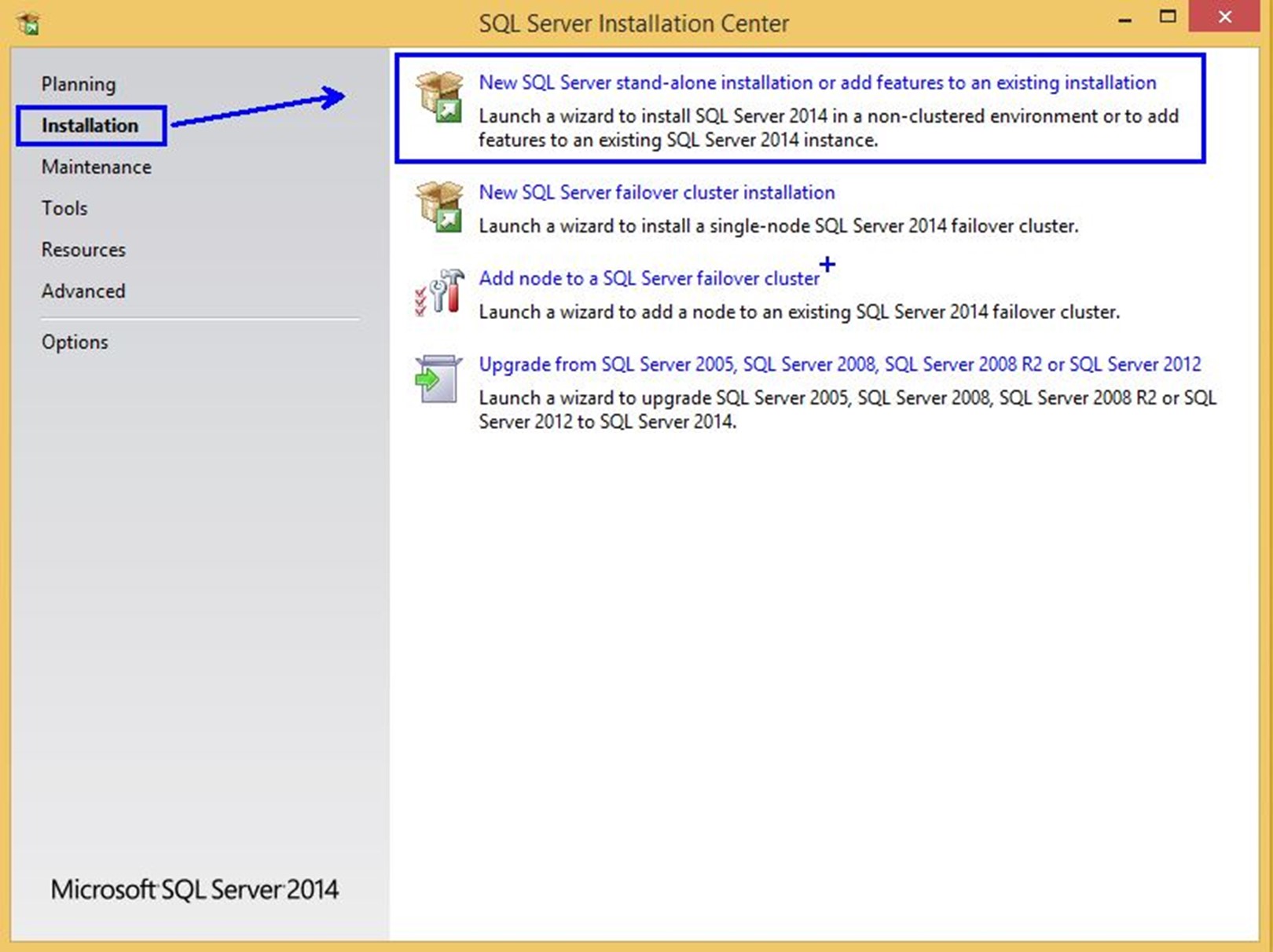 New SQL Server stand-alone installation or add features to an existing installation seçeneği, tek başına çalışan (stand-alone) bir SQL sunucu oluşturmak için uygundur. Seçerek ilerleyin.
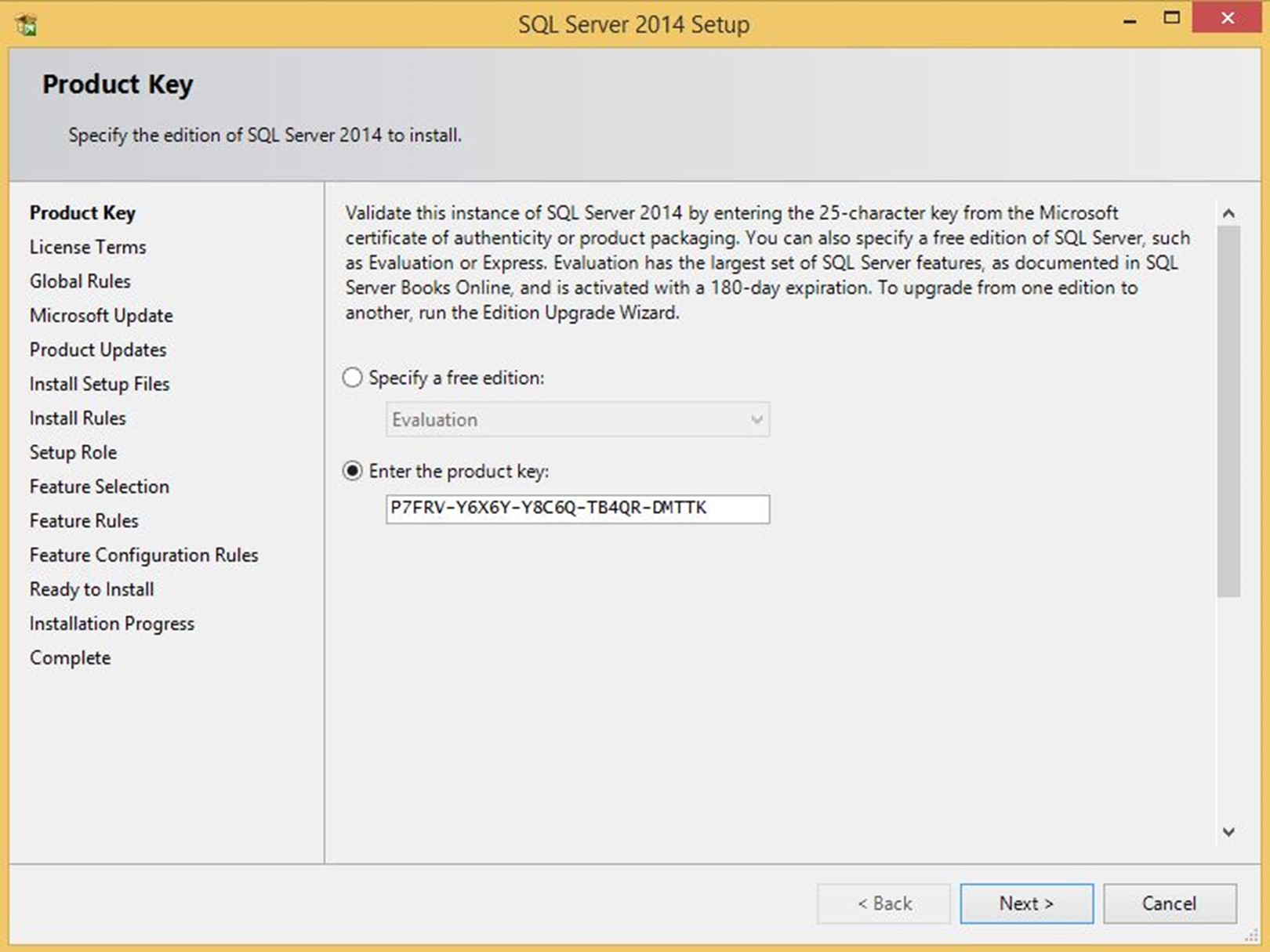 SQL Server sürümünü için uygun ürün anahtarını giriyoruz.
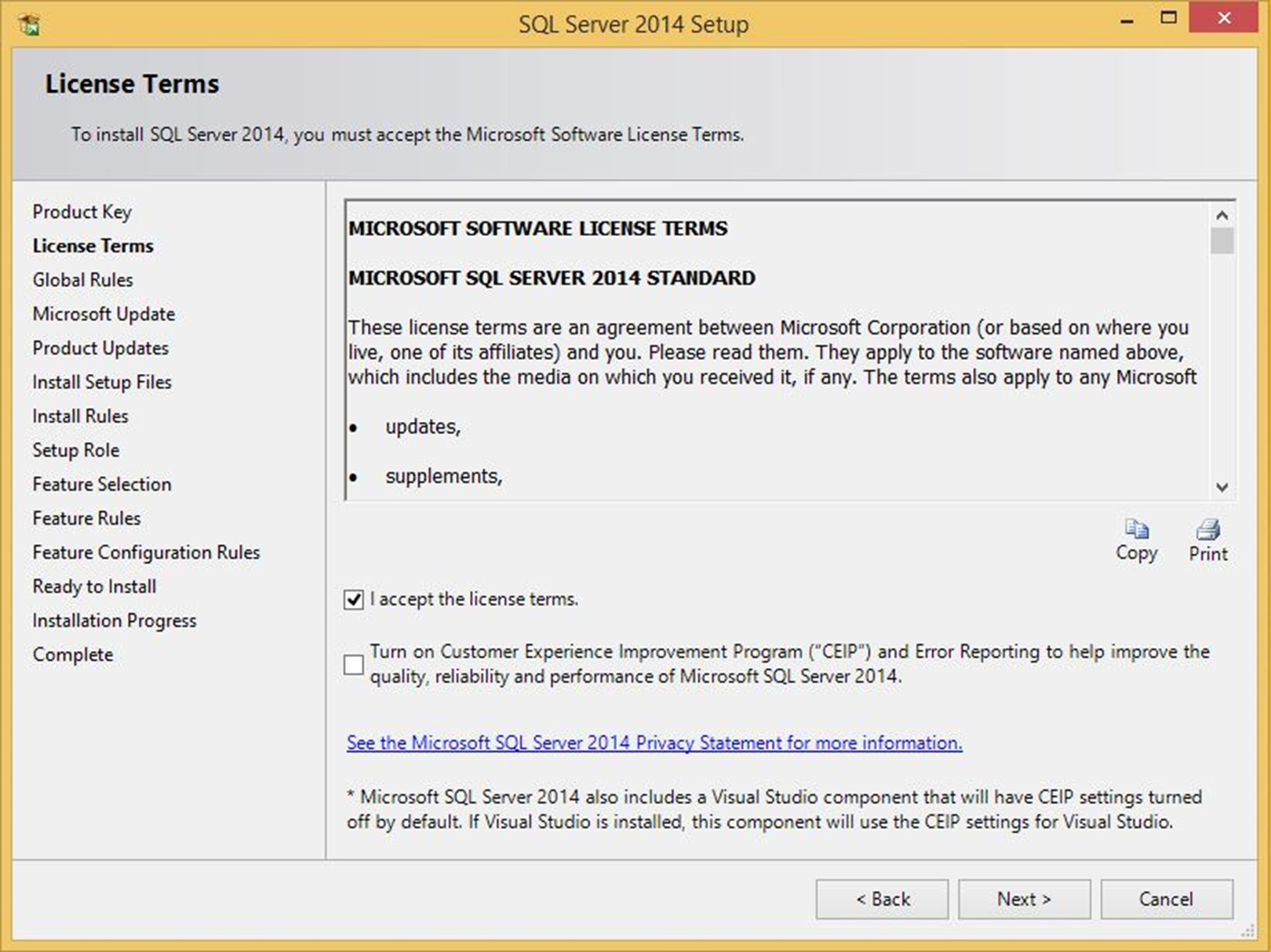 Lisans anlaşmasını kabul ederek ilerliyoruz.
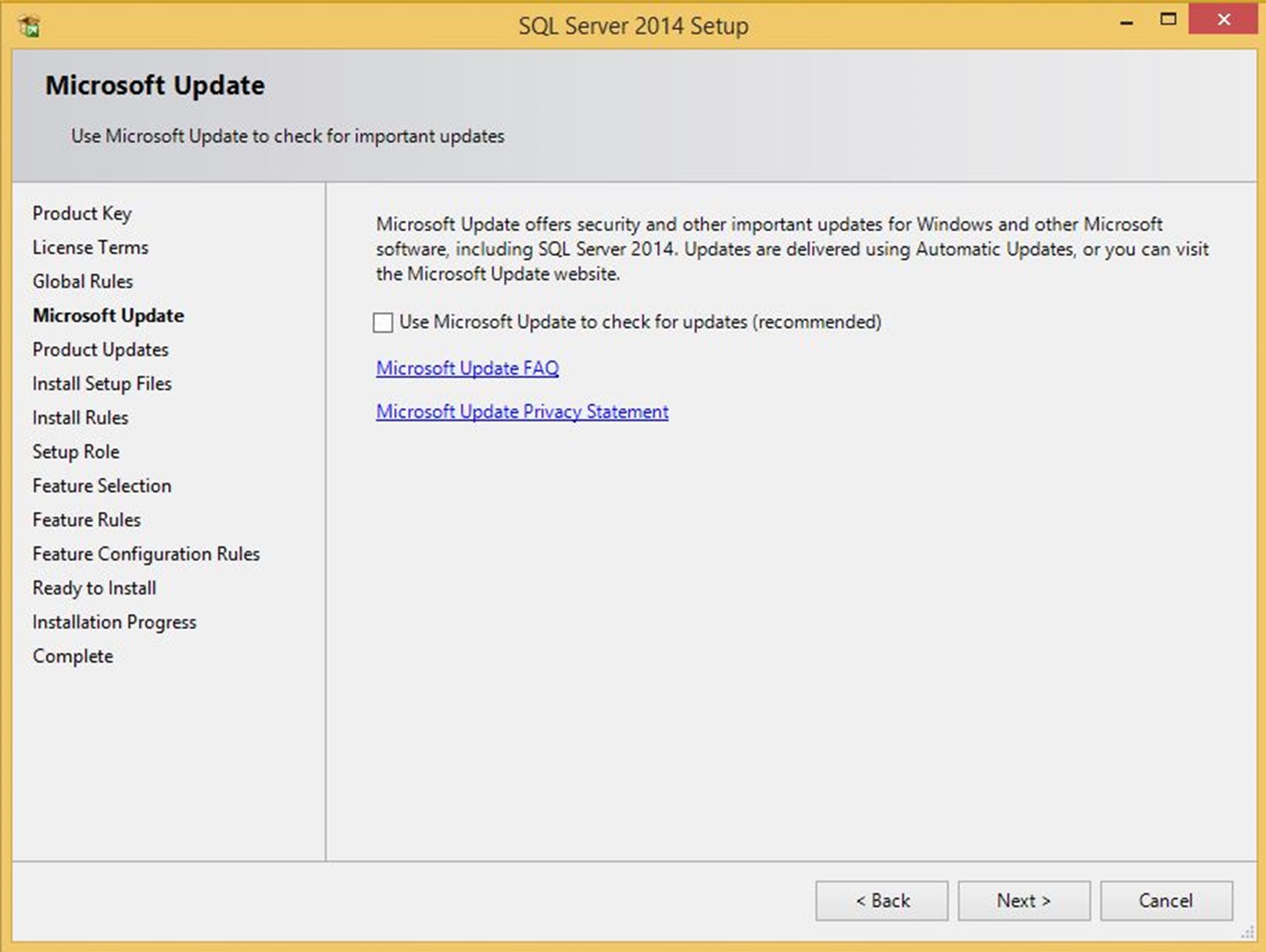 Yukarıdaki pencerede güncellemelerin alınması için Microsoft Update seçeneğini isteğe bağlı olarak işaretlemek yada boş bırakmak sizin tercihinizdir. Ben işaretlemeden ileriyorum.
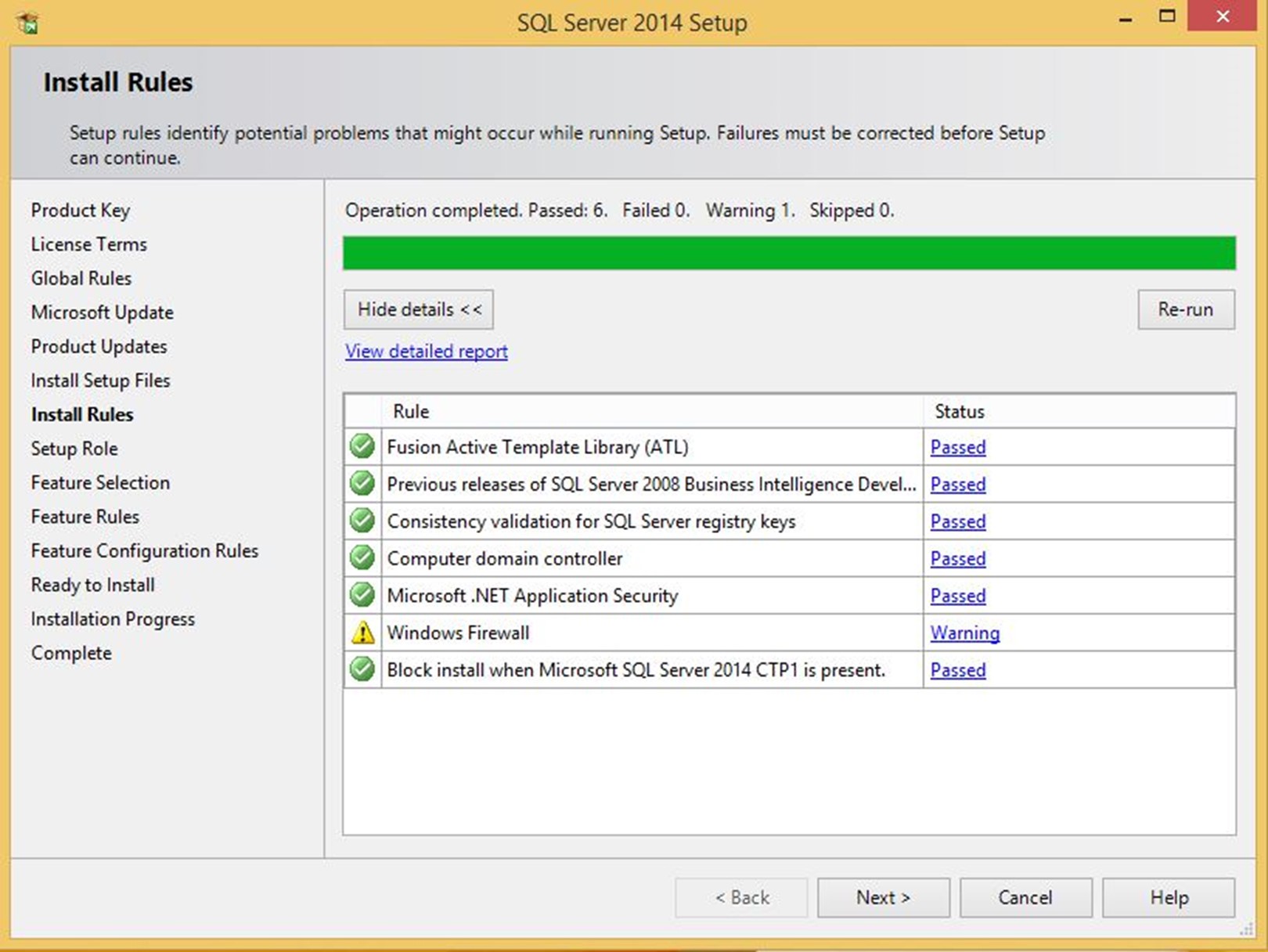 SQL Server 2014 kurulum süreci başarılı bir şekilde tamamlanmasına engel olabilecek potansiyel problem noktaları yukarıdaki adımda kontrol edilir. Burada bir hata raporlanırsa, devam etmeden önce mutlaka düzeltilmesi gerekir. Uyarılar ise bilgi amaçlıdır ve kuruluma engel teşkil etmez.
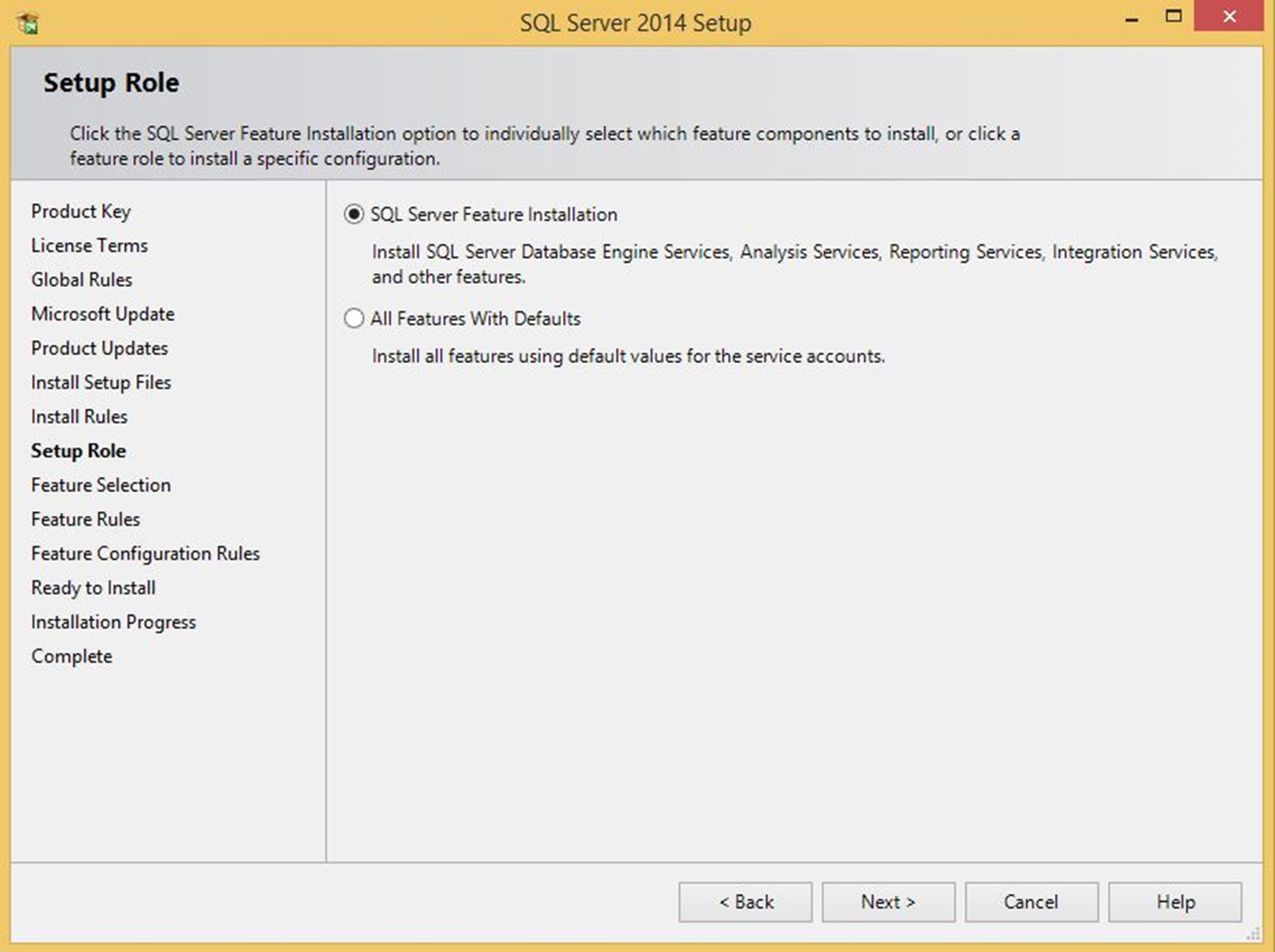 Yukarıdaki pencerede, SQL Server 2014 kurulumunu özel bir amaç için yönlendirmeniz mümkün. Genelde ilk seçenek tercih edilerek ilerlenir.
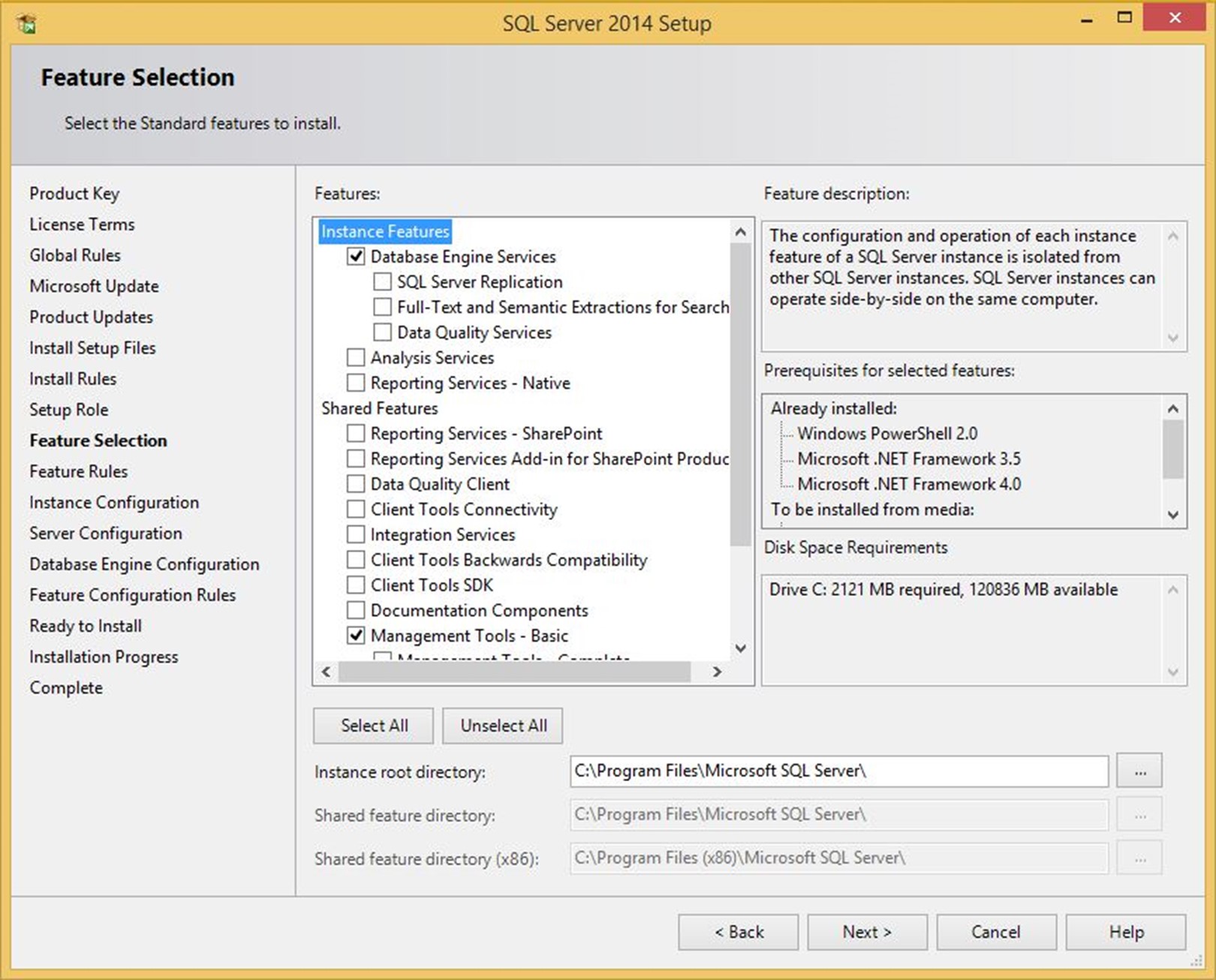 Bu dokümanda hedef temel bir veri tabanı sunucusu oluşturmak olduğu için Database Engine Service ve temel yönetim işlemleri (SQL Management Studio) için Management Tools – Basic seçimleriyle ilerliyoruz.
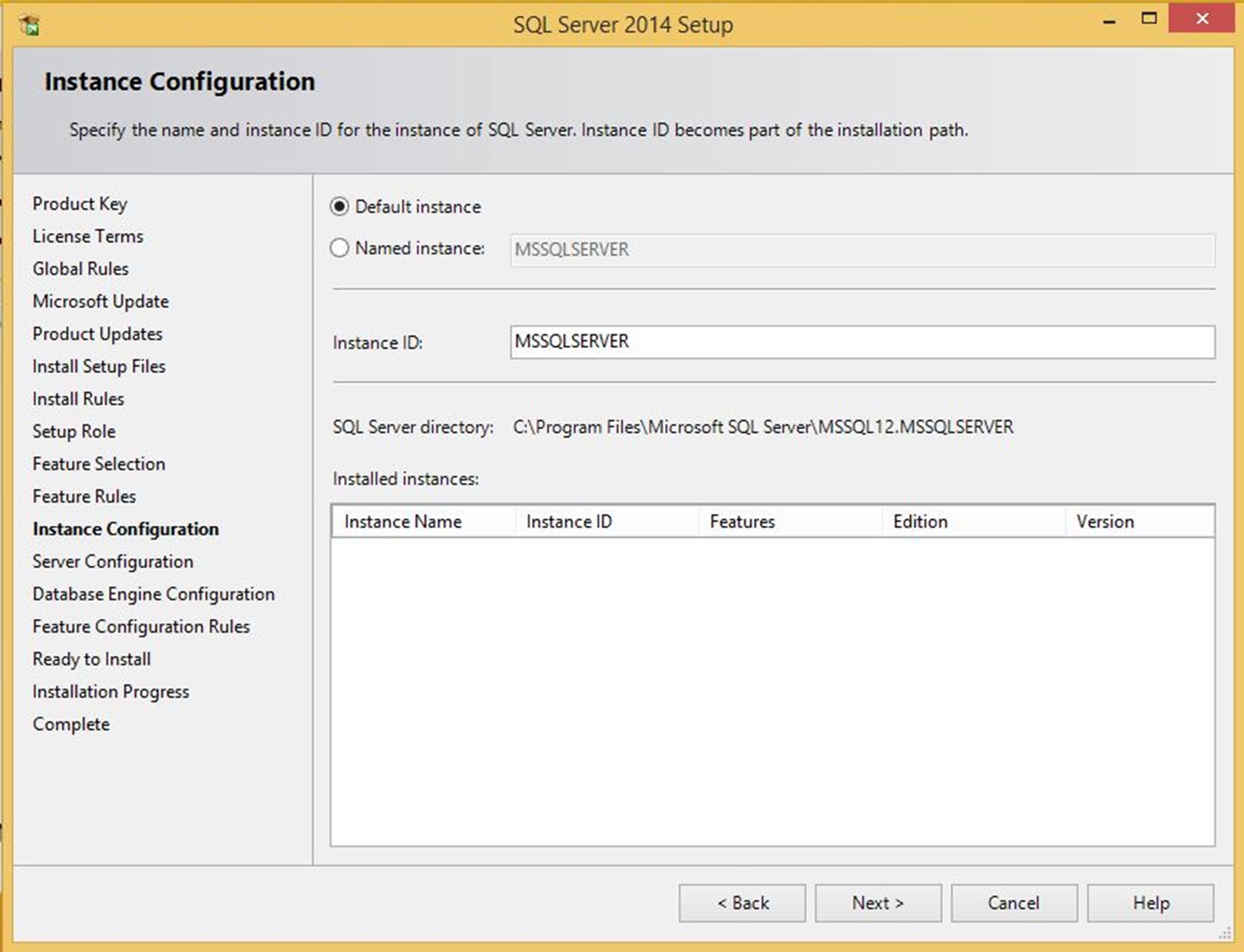 Instance Configuration adımında SQL Server 2014 instance için bir isim verebilir veya Default instance seçimiyle ilerleyebilirsiniz.
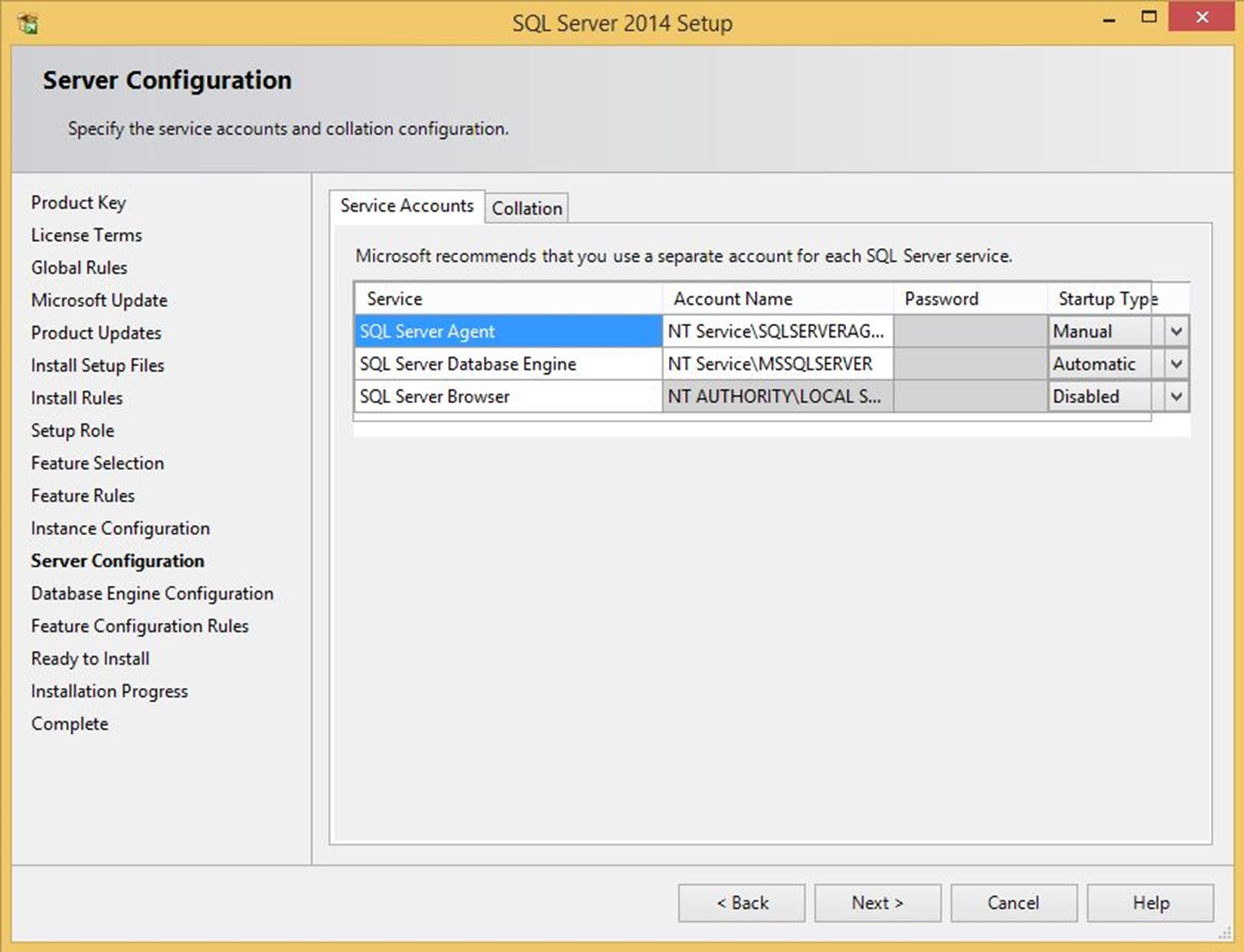 Server Configuration adımında, daha önce seçtiğiniz Feature’lara göre belirlenen SQL Server servislerinin hangi hesaplarla çalışacağını ve başlangıç durumlarını belirleyebilirsiniz.
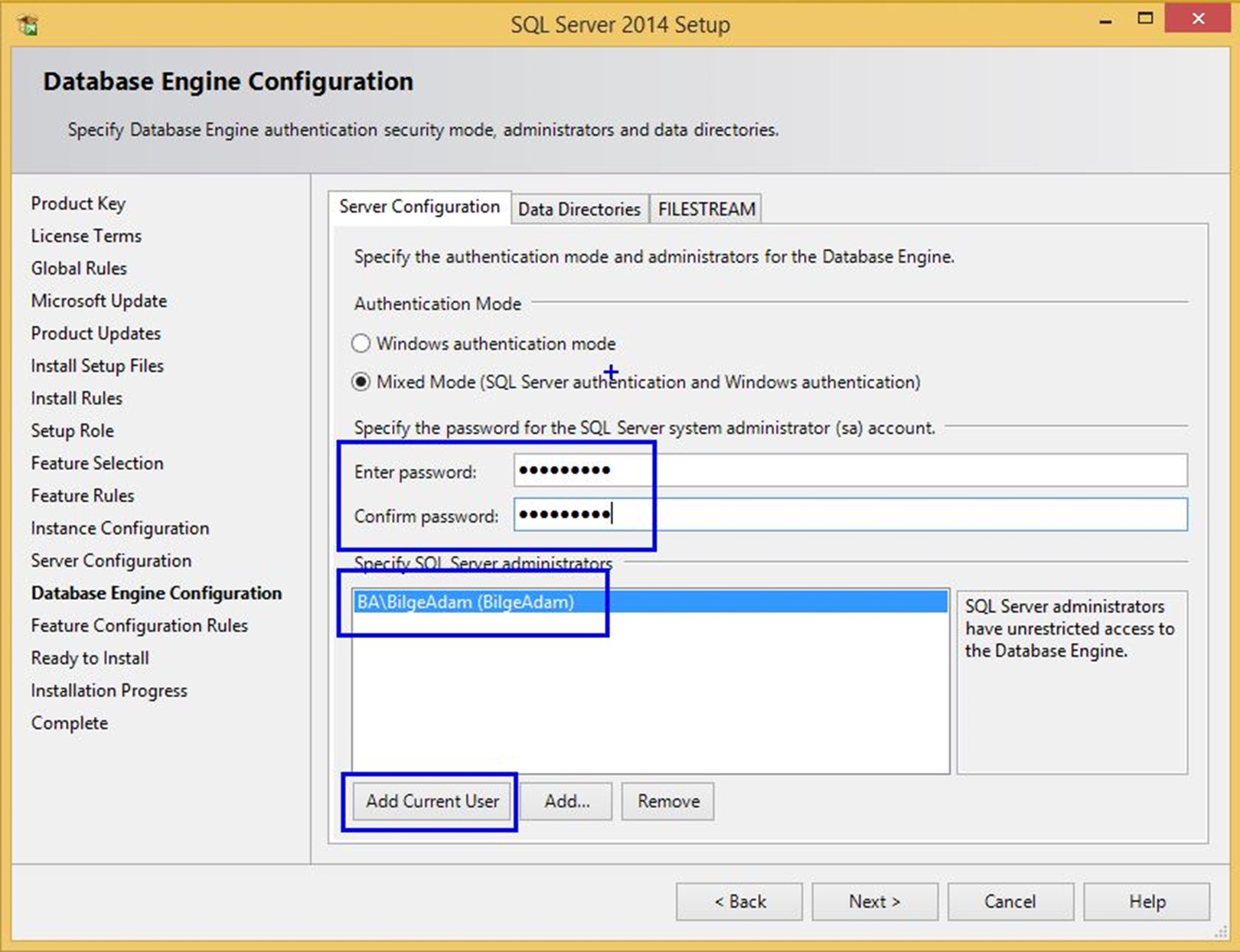 Database Engine Configuration adımında, SQL Server 2014 Database Engine servisine yönetici olarak erişirken kullanılacak kimlik doğrulama (Authentication) yöntemi belirlenir.
Windows authentication mode seçeneği ile bir veya birkaç Windows kullanıcısını bu amaçla yetkilendirebilir veya Mixed Mode (SQL Server authentication and Windows authentication) seçeneği ile hem Windows kullanıcılarını hem de bir SA kullanıcısını bu iş için atayabilirsiniz.
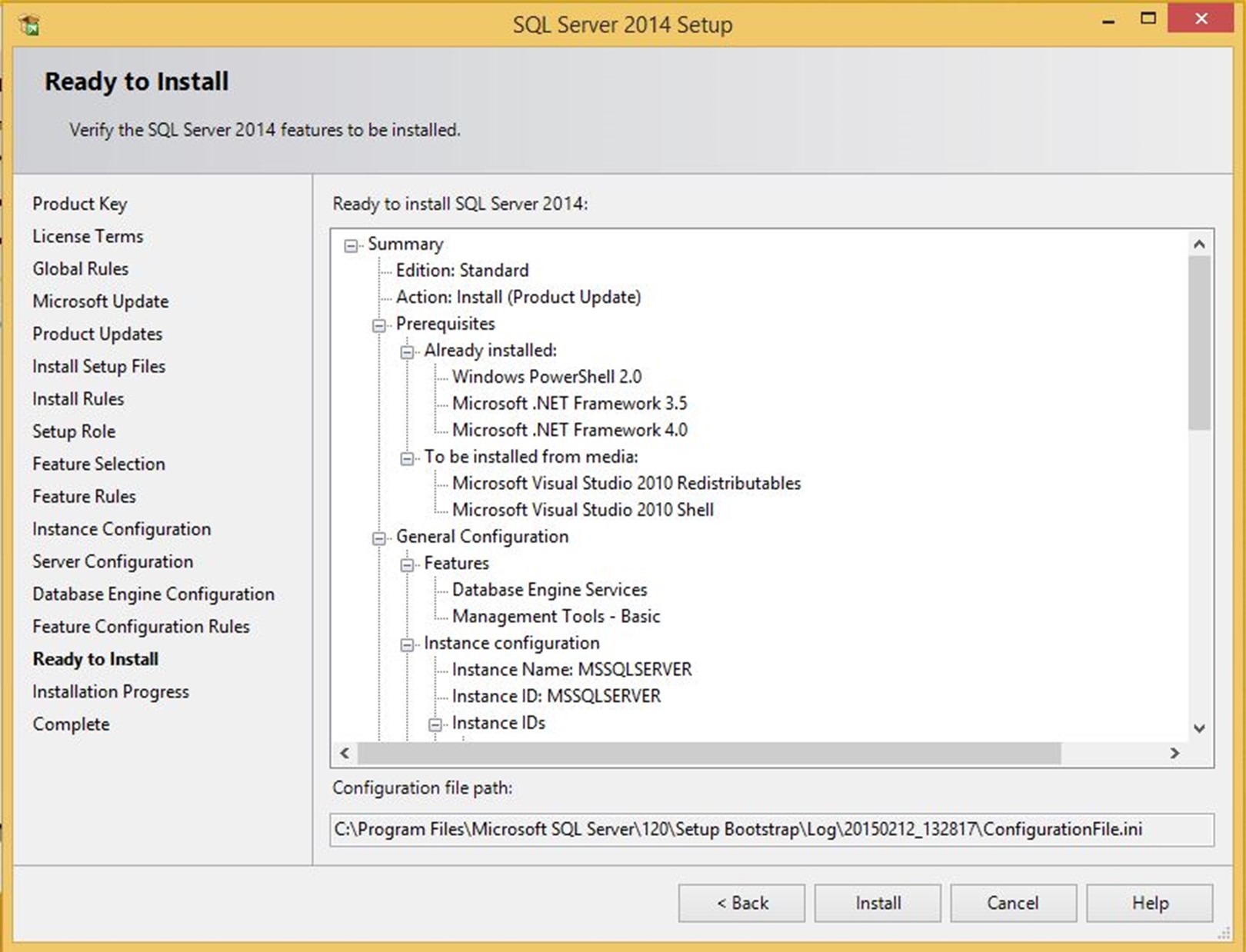 Ready to Install adımında özet gösterilir. Bir eksik olmadığını düşünüyorsanız kurulumu başlatmak için hazırsınız. Install butonuyla verin çoşkuyu.
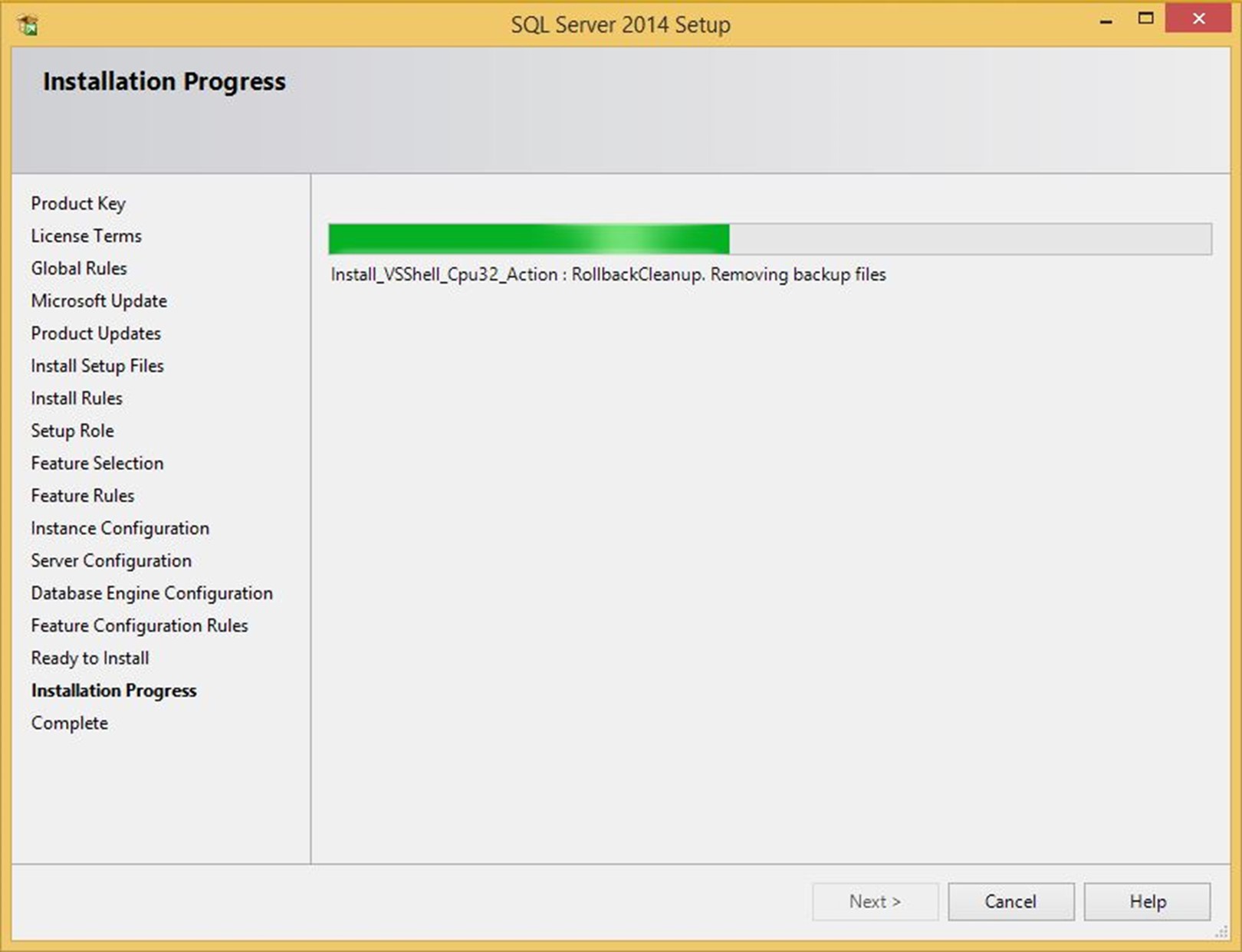 SQL Server 2014 kurulumu yukarıdaki gibi ileriyoruz,
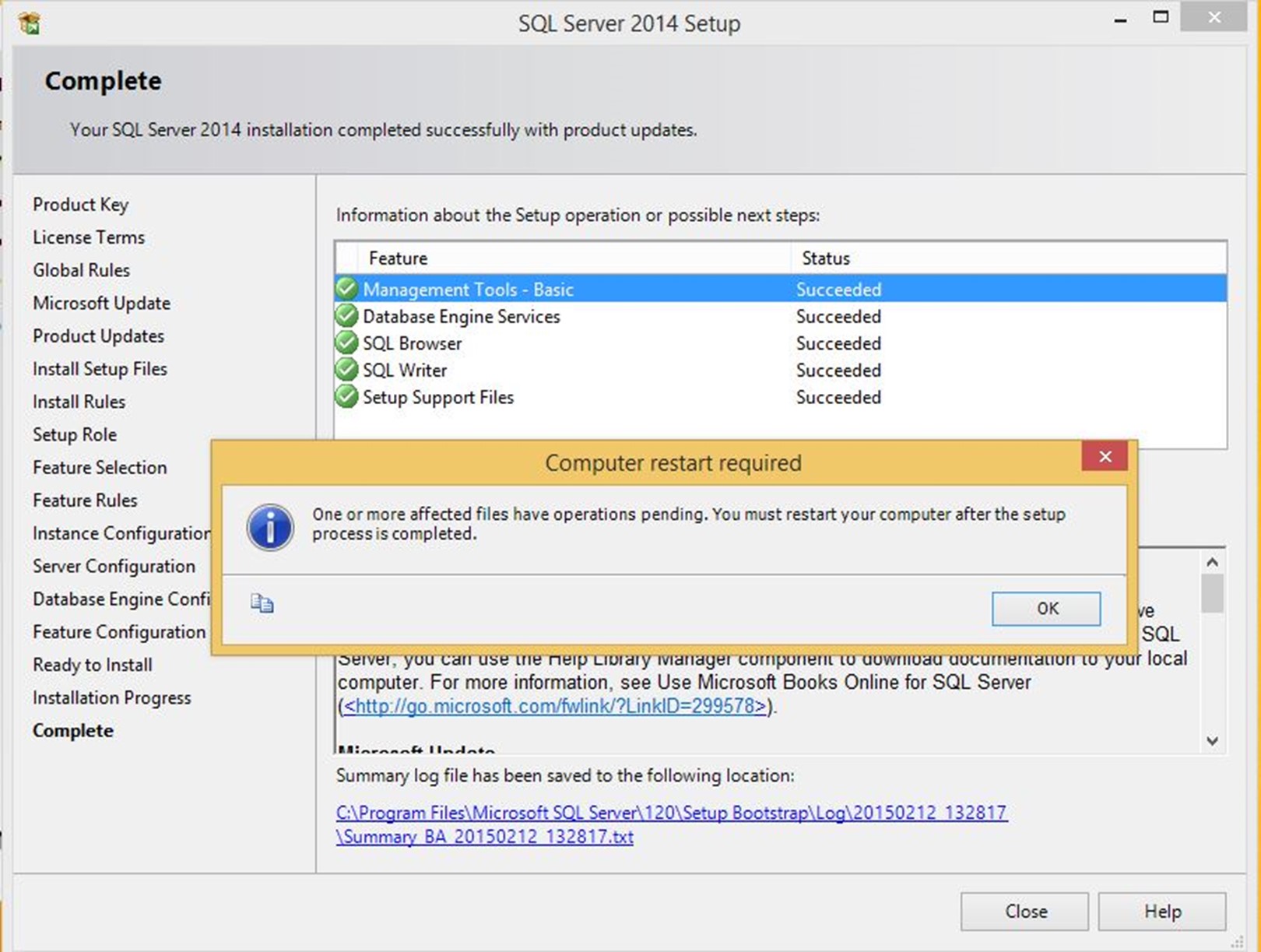 SQL Server 2014 kurulumu tertemiz bir şekilde tamamlanır.